Pinterest is more than just a place to save beautiful pictures and discover recipes, fashion ideas, home décor, and DIY projects. For bloggers, affiliate marketers, business owners, and content creators, Pinterest can be a powerful source of traffic.
However, getting consistent results from Pinterest can become time-consuming if you try to do everything manually. Creating pin graphics, researching keywords, writing descriptions, scheduling content, checking analytics, and coming up with new content ideas can take hours every week.
The good news is that there are many tools and apps that can make Pinterest content creation much easier.
Whether you are just starting your Pinterest account or already publishing dozens of pins every week, the right tools can help you save time and create better content.
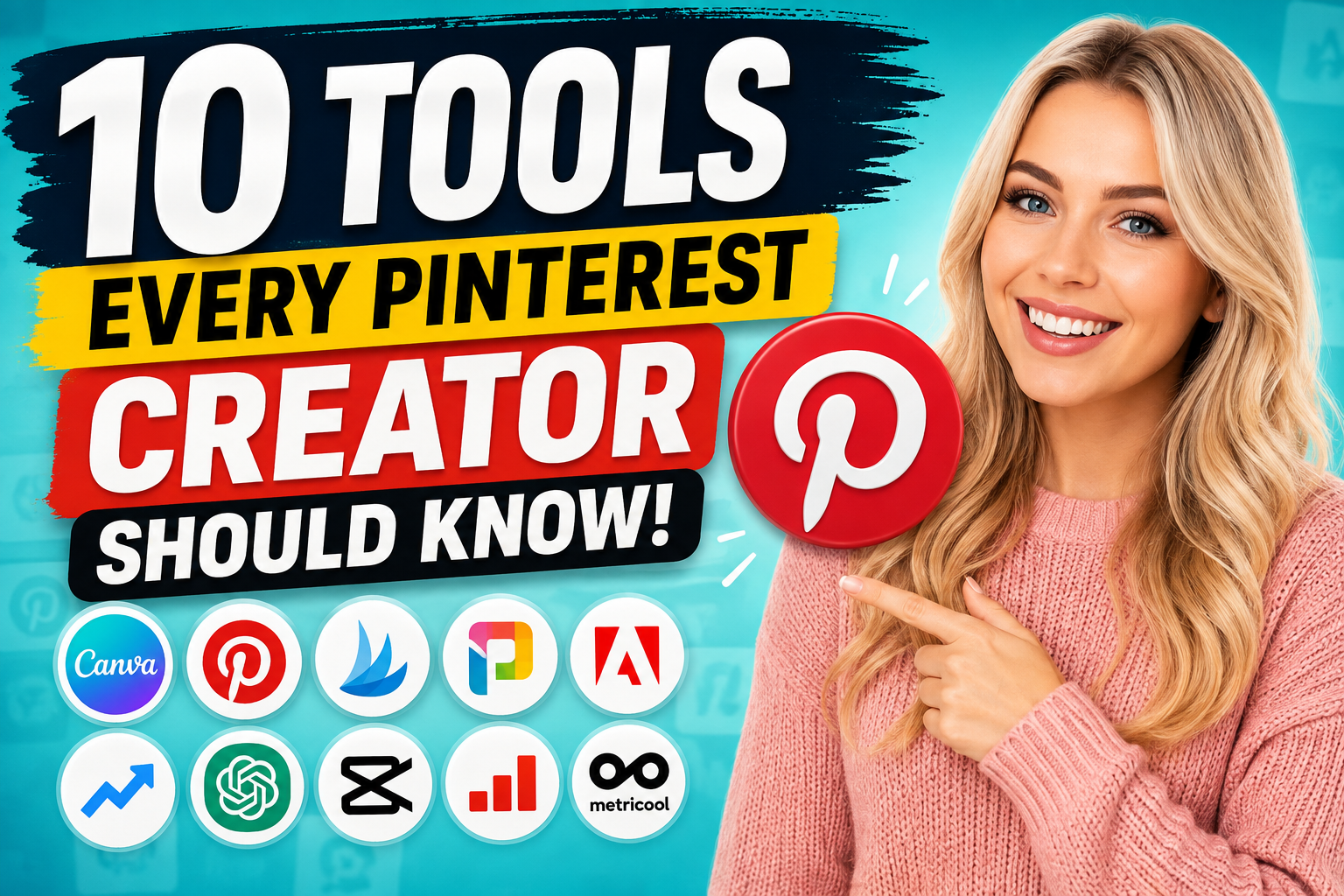
Below are 10 useful tools and apps that Pinterest creators should know.
1. Canva
Canva is one of the most useful design tools for Pinterest creators.
You do not need to be a professional graphic designer to create attractive Pinterest pins with Canva. The platform provides templates, fonts, images, icons, shapes, and other design elements that you can combine to create your own graphics.
One of the biggest advantages of Canva is its simplicity. You can start with a blank Pinterest-sized design or customize an existing template.
For example, if you have a blog post titled "15 Daily Habits That Make Your Nails Grow Faster," you could create several different pin designs for the same article.
One design could use a large headline, another could use a close-up image, while another could use a numbered list such as "15 Nail Growth Tips."
This makes it possible to promote the same article multiple times without every pin looking identical.
Canva is especially useful if you want to create Pinterest templates that you can reuse. Once you have a design you like, you can change the image, headline, colors, and other elements for your next pin.
2. Pinterest Trends
Pinterest Trends is another valuable resource for creators who want to understand what people are searching for.
Instead of creating content based only on what you think people want, you can use Pinterest's trend information to discover topics that are attracting interest.
For example, if you run a beauty blog, you could research topics related to nails, skincare, hairstyles, makeup, or beauty routines.
Pinterest Trends can help you identify popular search terms and understand how interest changes over time.
This can be particularly useful when planning seasonal content.
For example, searches for Christmas decorations may increase significantly before December, while searches for Valentine's Day ideas may become more popular as February approaches.
By identifying these trends early, you can create your content and pins before the topic reaches its peak.
3. Tailwind
Tailwind is designed to help creators manage and schedule their social media content.
Pinterest creators can use scheduling tools like Tailwind to plan their pins ahead of time instead of manually publishing each pin.
This can be useful if you create a large amount of content.
For example, instead of sitting down every morning to publish pins, you could spend one day preparing a batch of content and schedule it to be published over the following days or weeks.
Scheduling can also make it easier to maintain consistency.
Consistency is important because Pinterest content creation is usually not a one-time activity. You may need to publish new content regularly to keep your account active and continue testing different ideas.
Tailwind also provides tools for analyzing your content, making it useful for creators who want to understand which pins are performing well.
4. Pin Generator
If your goal is to create many Pinterest pins from your existing content, Pin Generator can be particularly interesting.
Instead of designing every pin completely from scratch, tools like this can help speed up the pin creation process.
Imagine you have 20 blog posts and want to create several pins for each one.
Creating every design manually could take a significant amount of time.
A pin generation tool can help you produce multiple variations based on your content.
This is especially useful for creators who use a strategy where one blog post is promoted through multiple Pinterest pins.
For example, a single article could have different headlines such as:
- "10 Easy Ways to Grow Your Blog"
- "How to Get More Blog Traffic"
- "10 Blog Traffic Strategies Beginners Should Try"
- "Simple Ways to Get More Visitors to Your Blog"
Each pin could direct visitors to the same article while presenting a different angle.
The important thing is to make the variations genuinely useful and avoid creating repetitive or low-quality content.
5. Adobe Express
Adobe Express is another design platform that Pinterest creators can use to create visual content.
It offers templates and tools for creating graphics, social media posts, promotional images, and other visual content.
One advantage of using another design platform besides Canva is that it gives you additional creative options.
You may find a particular template, font, layout, or editing feature that fits your brand better.
Adobe Express can also be useful if you already use other Adobe products and want a simpler tool for creating social media graphics.
For Pinterest creators, the most important thing is not necessarily which design platform you choose.
The important thing is having a system that allows you to create attractive, readable, and consistent pins efficiently.
6. Google Trends
Google Trends is not specifically a Pinterest tool, but it can be extremely useful for Pinterest content research.
It allows you to compare search interest for different topics and see how interest changes over time.
Suppose you are deciding whether to create content about "summer hairstyles" or "winter hairstyles."
Google Trends can help you understand when people are more interested in these topics.
You can also compare different keywords.
For example, you might compare "Pinterest marketing," "Pinterest SEO," and "Pinterest tips."
This type of research can help you decide which topics deserve more attention.
Google Trends can also be useful when planning seasonal blog posts and Pinterest campaigns.
7. ChatGPT
ChatGPT can become a useful part of a Pinterest creator's workflow.
One of the biggest challenges Pinterest creators face is coming up with new titles and descriptions.
If you have a blog post, you can use ChatGPT to generate different title ideas based on the same article.
For example, one blog post could potentially produce dozens of headline variations.
You can also use ChatGPT to help brainstorm:
- Pinterest titles
- Pin descriptions
- Blog post ideas
- Content angles
- Keyword combinations
- Video scripts
- Call-to-action ideas
- Pinterest board ideas
- Content calendars
For creators who publish frequently, this can save considerable time.
However, AI-generated content should still be reviewed and edited. You want your Pinterest titles and descriptions to sound natural and accurately represent the content people will find after clicking.
8. CapCut
Pinterest is not limited to static images.
Video content has become an important part of social media, and Pinterest creators can also experiment with video pins.
CapCut is a popular video editing application that can help creators turn images, clips, text, and audio into short videos.
For example, if you have a blog post containing 10 tips, you could create a short video showing one tip at a time.
You could add text overlays, background music, transitions, animations, and other effects.
You could also turn a collection of photos into a short slideshow.
The advantage is that you can repurpose content you already have instead of creating completely new material for every platform.
9. Pinterest Analytics
One of the biggest mistakes a Pinterest creator can make is focusing only on creating content without checking the results.
Pinterest Analytics can help you understand how your content is performing.
Depending on the available metrics and account setup, you can look at information such as impressions, saves, clicks, and other performance indicators.
This information can help you identify patterns.
For example, suppose you create 30 pins and discover that pins about "Pinterest automation" consistently receive more clicks than pins about general blogging.
That information can influence what you create next.
You can also compare different designs.
Maybe your pins with large headlines perform better than pins with small text. Perhaps list-style headlines get more engagement than generic titles.
Instead of guessing, you can use your performance data to make better decisions.
10. Metricool
Metricool is another platform that can help creators manage and analyze social media content.
If you manage multiple platforms, having a single dashboard can make your workflow easier.
For example, you might use Pinterest alongside YouTube, Instagram, Facebook, or other social platforms.
A management platform can help you organize content, schedule posts, and monitor performance.
This can be especially useful for creators who are building a larger content business rather than using Pinterest casually.
How to Combine These Tools Into a Pinterest Workflow
The real power comes from combining these tools instead of relying on just one.
For example, you could start with Pinterest Trends and Google Trends to research topics.
Next, use ChatGPT to brainstorm different content angles and Pinterest titles.
Then write or publish your blog post.
After that, use Canva or Adobe Express to create several pin designs.
You could use a tool such as Pin Generator to speed up the creation of additional variations.
Once your pins are ready, you can use Tailwind or another scheduling platform to organize your publishing schedule.
After your pins have been published, check Pinterest Analytics to see which designs, topics, and titles are generating results.
You can then use those insights to create your next batch of content.
This creates a simple cycle:
Research → Create → Publish → Analyze → Improve → Repeat
Why Pinterest Creators Should Use Multiple Tools
There is no single tool that does everything perfectly.
One tool may be excellent for graphic design while another is better for scheduling. Another may be better for analytics, while an AI tool can help with brainstorming.
Using several specialized tools allows you to build a workflow that fits your needs.
The goal is not to use every tool available.
Instead, choose the tools that solve your biggest problems.
If design takes too long, focus on Canva or Adobe Express.
If scheduling is difficult, look at Tailwind or another scheduling platform.
If you struggle to generate content ideas, use Pinterest Trends, Google Trends, and ChatGPT.
If you want to understand your results, spend more time with Pinterest Analytics.
Final Thoughts
Pinterest can be a powerful traffic source, but creating content consistently requires organization.
The right tools can help reduce the amount of repetitive work involved in researching topics, creating graphics, writing titles, scheduling pins, and analyzing performance.
You do not need to start by using all 10 tools.
Choose two or three that solve your biggest challenges and build your workflow from there.
As your Pinterest strategy grows, you can gradually add other tools.
Most importantly, remember that tools are only part of the equation. Good content, useful articles, attractive pin designs, relevant keywords, and consistent testing still matter.
The best Pinterest creators are not necessarily the people who create the most pins. They are the people who learn what their audience responds to, create useful content around those interests, and continually improve their strategy.
With the right combination of tools and a repeatable workflow, you can spend less time doing repetitive tasks and more time creating content that has the potential to bring visitors back to your website.

0 Comments
Leave a comment