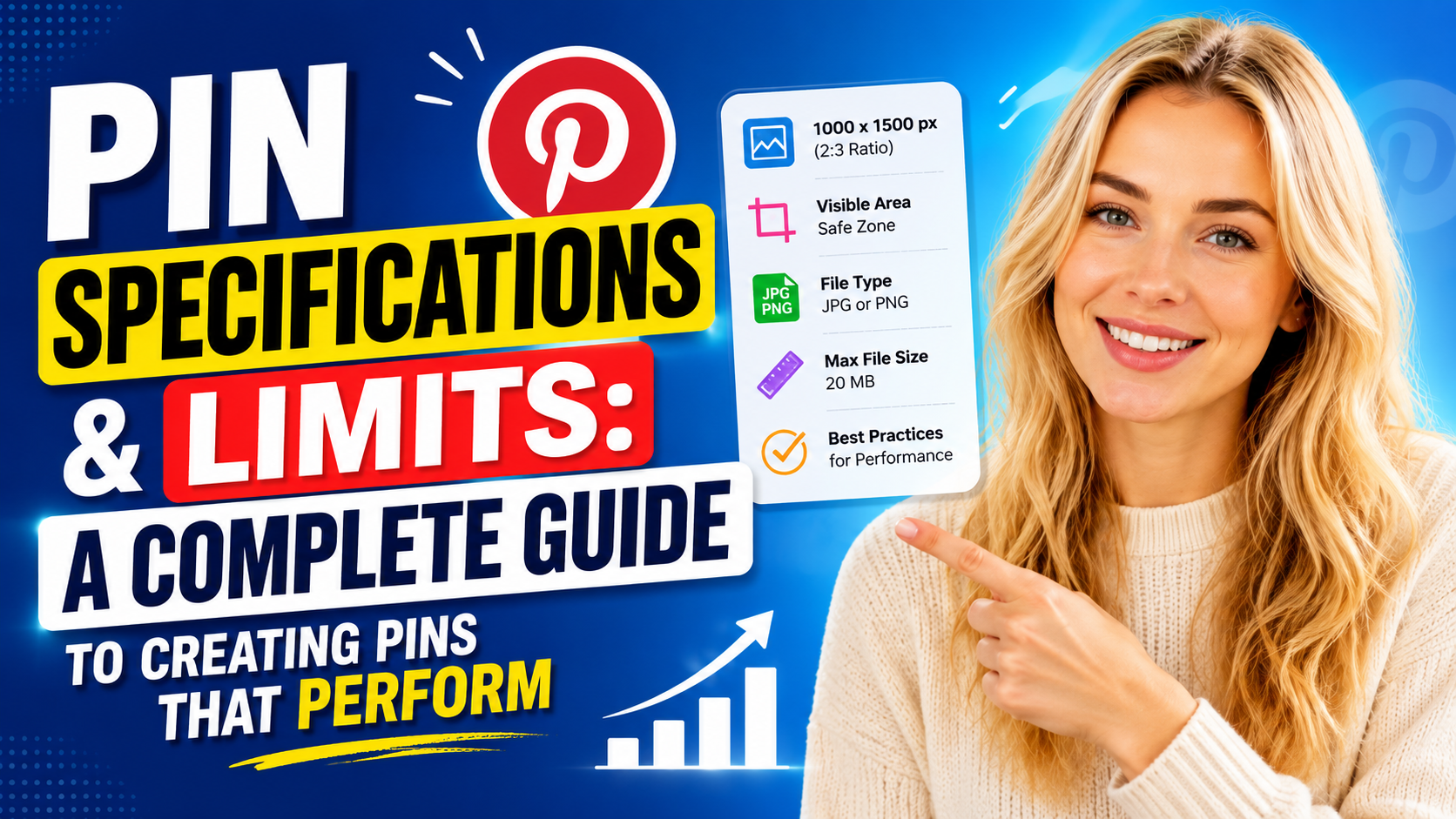
Creating a pin might look as simple as uploading an image, but the pins that actually get discovered, saved, and clicked follow a fairly specific set of technical rules. Pinterest's algorithm and its feed layout both favor content that's formatted correctly — meaning that even a great product photo or well-written blog post can underperform if the pin itself doesn't follow the platform's specifications. Understanding these limits, and the best practices that surround them, is one of the easiest ways to improve visibility without spending anything extra on ads.
Why Pin Specifications Matter
Pinterest is a visual discovery platform, and its feed is built around a scrolling grid of images. Because of that layout, pins that don't match the expected dimensions get cropped, squished, or pushed lower in visual priority. A pin that's the wrong shape might still upload successfully, but it won't display the way it was designed to, which can hurt both the aesthetic and the click-through rate. Getting the technical details right isn't about gaming the algorithm — it's about making sure your content actually looks the way you intended once it reaches a user's screen.
Aspect Ratio: The Foundation of a Good Pin
The single most important specification is aspect ratio. Pinterest recommends a vertical 2:3 ratio, which translates to a resolution of 1000 by 1500 pixels. This vertical orientation takes up more space in the feed compared to square or horizontal images, which naturally draws more attention as users scroll.
Vertical pins work well because Pinterest's layout is a masonry-style grid — similar to a digital corkboard — where taller pins occupy more visual real estate. A perfectly square image or a wide horizontal photo will typically get cropped or shrunk to fit the grid, losing detail and impact in the process. Sticking to the 1000 x 1500 px format ensures your pin displays at full quality and claims the maximum amount of scroll-stopping space.
It's worth noting that extremely long, infographic-style pins (sometimes closer to a 1:2.1 ratio) can still work for certain content types, like step-by-step tutorials, but the standard 2:3 ratio remains the safest and most broadly effective choice for most businesses and creators.
File Types and Size Limits
Pinterest supports both PNG and JPEG formats for static image pins. Each has its own strengths:
- JPEG files are generally smaller and load faster, making them a solid choice for photographs or complex images with lots of color variation.
- PNG files preserve sharper detail and support transparency, which can be useful for graphics, text overlays, or logos that need clean edges.
On desktop, Pinterest allows image files up to 20MB, which gives creators plenty of room to upload high-resolution graphics without needing to compress them heavily. That said, larger files aren't inherently better — an oversized file with no meaningful quality improvement just slows down loading times for users. The goal should be the smallest file size that still preserves crisp, clear visuals.
Title Limits: Make the First 40 Characters Count
Pin titles can run up to 100 characters, but there's an important nuance: only the first 40 characters or so reliably display in the main feed before getting cut off. This means the most important, attention-grabbing words need to come first.
Rather than writing a title like a formal headline, think of it the way you'd think about a search engine result — front-load the keyword or benefit that matters most. A pin titled "10 Easy Budget Meal Prep Ideas for Busy Weeknights" communicates its value almost immediately, even if a user only sees the first several words in a crowded feed. Saving detail, context, or a call to action for the back half of the title is a smart way to use the full 100-character allowance without sacrificing clarity up front.
Description Limits: Use the Space, But Stay Relevant
Descriptions can run up to 500 characters, giving creators considerably more room to explain what the pin is about, add relevant keywords, and set expectations for where the link leads. Unlike the title, the description doesn't need to be front-loaded in the same way, but it should still be written with both users and Pinterest's search algorithm in mind.
A strong description typically explains:
- What the pin is about
- Who it's useful for
- What action the viewer should take next (read more, shop now, save for later, etc.)
Because Pinterest functions heavily as a visual search engine, descriptions that include natural, relevant keywords tend to perform better in search results than vague or purely promotional copy.
Best Practice: Always Link to a Relevant Destination
A pin without a destination URL is a missed opportunity. Every pin should link directly to a page that matches what the pin promises — whether that's a blog post, a product page, or a landing page. If a pin shows a specific product but links to a generic homepage, users are likely to bounce, which can hurt both conversion rates and the pin's long-term performance in Pinterest's algorithm.
Matching the pin's content and the destination page as closely as possible creates a smoother experience and builds trust with both users and the platform itself.
Best Practice: Organize Pins Into Keyword-Optimized Boards
Where a pin lives matters almost as much as the pin itself. Boards act as organizational categories, and Pinterest uses board names, descriptions, and existing pin content to understand context. Saving a pin to a well-labeled, topic-specific board — rather than a vague, catch-all board — helps Pinterest understand what the pin is about and who it should be shown to.
For businesses, this means boards should be treated less like casual folders and more like structured categories, similar to how a website might organize product categories or blog topics. A board titled "Budget Recipes" with consistently relevant pins will perform better in search than a generic "Food" board mixed with unrelated content.
Best Practice: Use Topic Tags Strategically
Pinterest allows up to 10 relevant topic tags per pin, which function similarly to hashtags on other platforms but are more tightly integrated into Pinterest's search and recommendation system. Adding accurate, specific tags helps the platform match your content to the users most likely to be interested in it.
The key word here is relevant. Tagging a pin with broad or unrelated topics in hopes of reaching a wider audience typically backfires — Pinterest's algorithm is designed to reward content that matches user intent closely, not content that casts the widest possible net. A handful of precise, on-topic tags will generally outperform ten loosely related ones.
Bringing It All Together
Following Pinterest's technical specifications isn't just a formatting formality — it directly affects how a pin looks, how it's categorized, and how likely it is to be discovered. A properly sized vertical image, a front-loaded title, a keyword-rich description, a relevant destination link, a well-organized board, and a handful of accurate tags all work together to give a pin its best possible chance of standing out in a crowded feed.
For creators and businesses building a long-term Pinterest strategy, treating these specifications as a checklist — rather than an afterthought — can make the difference between a pin that gets lost in the scroll and one that keeps generating traffic and engagement for months or even years after it's published.

0 Comments
Leave a comment